Why I Built Event Inbox: Help Without Another App
The moment an attendee needs help is the worst time to require another download. Event Inbox turns approved event context into answers over email or text.
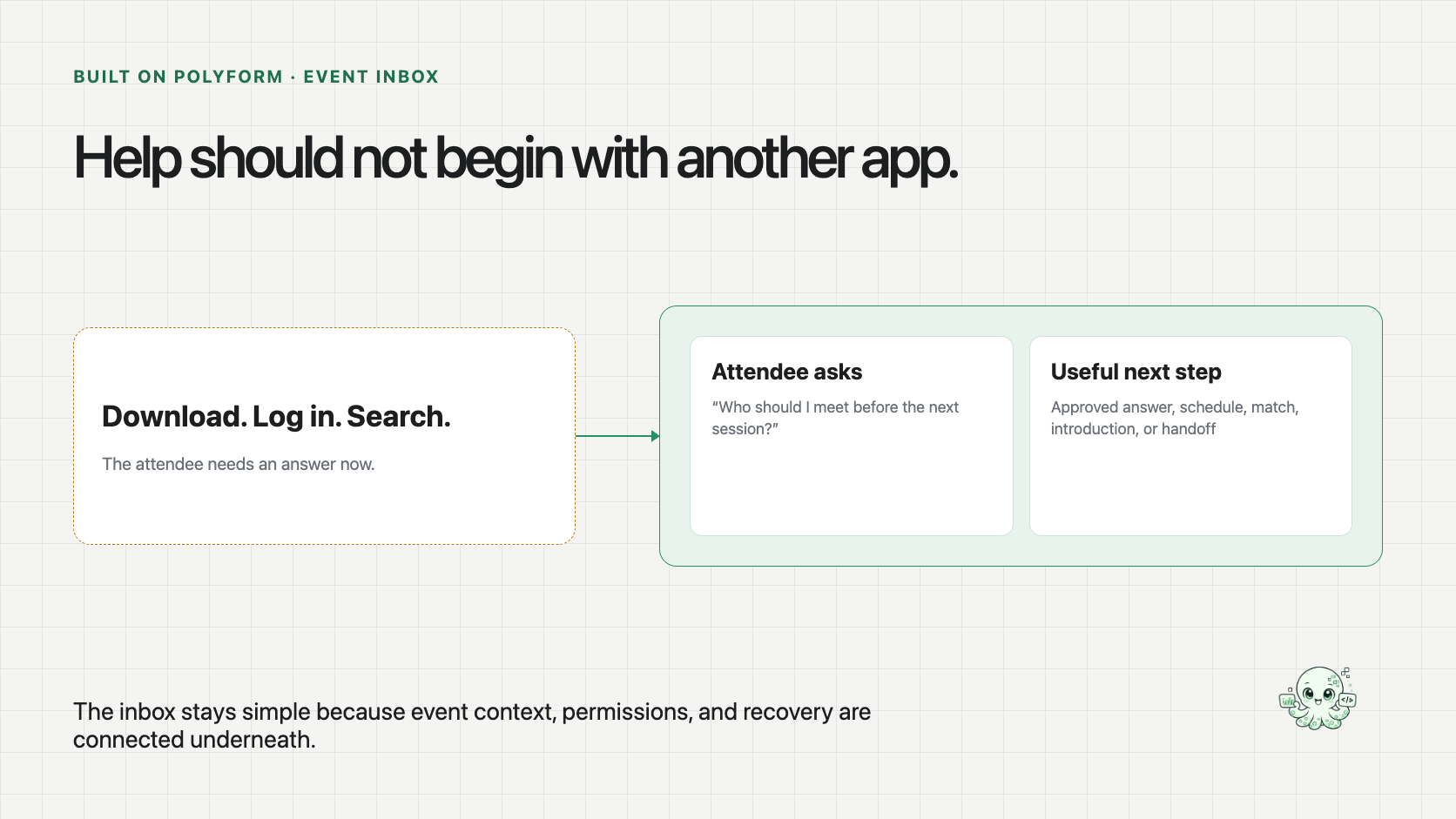
The moment an attendee needs help is the worst time to make them learn another app.
They are walking between sessions. They are late for a meeting. They are trying to remember a name, find a room, choose what to attend next, or work out who in a very large crowd is actually worth meeting.
The event may already have all of the information required to help them. But the answer is buried behind a download, a login, a menu, a search box, and an interface they will use for a few days. The attendee has to stop moving and learn the organizer’s system before the organizer can answer a simple question.
That is why we built Event Inbox as a personal event assistant over email or text. The attendee asks in a channel they already know. The difficult part moves underneath the conversation. You can see the current public product at eventinbox.ai.
The live-event problemThe interface should match the moment
An event app can be genuinely useful. It can hold an agenda, venue map, attendee directory, sponsor material, notifications, and meeting tools. The problem is not that the app has no value. The problem is that every useful answer still depends on the attendee opening it, knowing where to look, and translating their real question into the product’s navigation.
Email and text invert that relationship. The person can ask, “Who should I meet before the next session?” or “What is the best use of the next hour?” The interface begins with the need rather than the menu.
That simplicity creates a higher standard underneath. A conversational response must use current event information, respect audience and contact-sharing rules, understand the request, and know when the organizer—not the AI—needs to decide what happens next.
Make the attendee navigate the system
- Download and authenticate
- Learn the event’s information architecture
- Search several sections
- Decide whether the answer is current
Let the request navigate the system
- Ask over email or text
- Use permitted attendee and event context
- Return one relevant next step
- Hand exceptions to the event team
The organizer can keep the event systems it already has. Event Inbox changes how the attendee reaches the useful part.
The hidden job is data, coordination, and workflow
A useful answer may depend on registration data, agenda changes, venue details, exhibitor information, attendee preferences, contact-sharing permissions, and organizer-approved knowledge. That is the data work.
The assistant also has to keep one attendee’s request connected to the right event, understand what they are trying to accomplish, avoid repeating questions, preserve the conversation, and route sensitive cases to the right person. That is the coordination work.
Then something has to receive the message, retrieve permitted context, produce the response, request review where needed, send the answer, record what happened, and expose unmet needs to the event team. That is the workflow work.
A chatbot demo can answer a question. An event product has to carry the question through all three layers and leave the organizer in control.
Polyform turned the idea into a working product in a couple of days
Once we chose the familiar inbox as the interface and made the organizer’s rules explicit, we built the first working version of Event Inbox in a couple of days. It was not only a chat demo. The request could enter, retrieve the right event context, respect a boundary, return a useful result, and preserve a handoff when a person needed to decide.
That timeline describes this focused build, not a promise that every event product takes two days. This is the power of Polyform here: data, maintained context, AI work, workflows, and human review were already connected. We could spend the build shaping the attendee experience and organizer boundary instead of assembling the operating system from scratch.
The organizer supplies the event identity, approved sources, voice, audience rules, permissions, introduction policy, and escalation path for the agreed scope. Event Inbox interprets the natural-language request and uses only the context permitted for that attendee and event. When the right response requires a person, the original request can move to the event team with its context attached.
That is also why Event Inbox can coexist with registration platforms, event apps, spreadsheets, emailed files, and other sources. It is not valuable because it replaces every event system. It is valuable when it connects the pieces required to answer the person in front of it.
The attendee uses email or text instead of learning another interface.
Use the current agenda, venue, audience, and organizer-approved knowledge.
Limit the response to what this attendee may receive.
Answer, schedule, match, or prepare an introduction path.
Keep the request and relevant context attached for the event team.
The conversation stays short because the operating path carries the complexity.
The organizer has to remain the owner
Event Inbox is a product experience, not evidence of a universal integration or successful deployment at every type of event. We are not claiming adoption, response-rate improvement, autonomous introductions, or permissionless access to attendee information.
The useful first version is one bounded event or attendee group with approved data, clear rules, and a known escalation owner. That is enough to learn which questions people actually ask, which answers are safe to automate, where the information is weak, and when the event team needs to step in.
The organizer still owns the event experience. The technology should make that ownership easier to operate, not quietly take it away.
The best product may be the one people barely have to learn
Event Inbox is deliberately small at the surface. That does not make the underlying job small. The data changes. The audience changes. Permissions matter. The answer may lead to an introduction between real people. Recovery has to be visible.
This is the kind of product I like building with maintained business context that software may use only within explicit boundaries. The AI is not impressive because it can talk about the event. It becomes useful when the right event context, rules, workflow, and owner produce a good next step while the attendee keeps walking.